
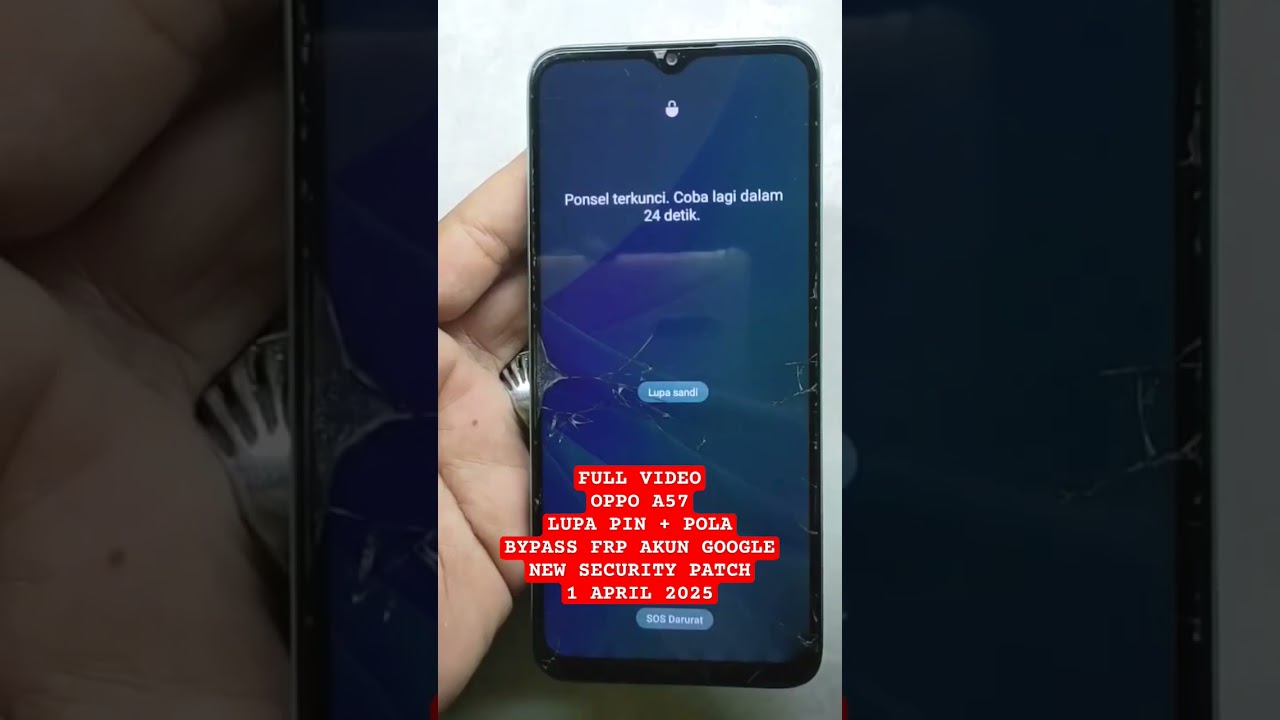
OPPO A57 LUPA KUNCI LAYAR + BYPASS FRP GOOGLE ACCOUNT TERBARU | FIX BYPASS FRP OPPO A57 LATEST #oppo

How to Unlock an Oppo A57: A Complete Guide
If you’re looking for a tutorial on how to unlock your Oppo A57, you’ve come to the right place! Many users find themselves in a situation where they forget their screen lock—be it a PIN, pattern, or password. In this article, we’ll provide a step-by-step guide for unlocking your device, as well as additional information on bypassing a Google account on the Oppo A57 model (CPH 2387), which runs on Android 14 with the latest security patch as of April 1, 2025.
Understanding the Oppo A57 Lock Issues
Losing access to your phone due to forgotten security credentials can be frustrating. Thankfully, whether you’ve forgotten a PIN, pattern, or password, the unlocking process is similar. This guide will cover various methods to regain access to your device.
Pre-Requisites Before Starting
Before diving into the unlocking methods, ensure you have the following:
- A fully charged device (at least 50% battery).
- A stable internet connection (for some methods).
- Backup data if possible, as some methods may result in data loss.
Method 1: Using the Find My Device Feature
One of the easiest ways to unlock your Oppo A57 is by using Google’s "Find My Device" feature.
Step 1: Visit Find My Device
- Open a web browser on your computer or another device.
- Go to the Find My Device website.
- Sign in with the Google account linked to your Oppo A57.
Step 2: Locate Your Device
Once signed in, you will see all devices associated with your account. Select your Oppo A57 from the list.
Step 3: Choose "Erase Device"
- Click on the "Erase Device" option. This will factory reset your Oppo A57, removing the lock but also wiping all data.
Step 4: Set Up Your Phone Again
After the reset, follow the on-screen instructions to set up your phone. You can restore your data if you have a backup.
Method 2: Recovery Mode Reset
If the Find My Device option doesn’t work, you can use recovery mode to reset your device.
Step 1: Turn Off Your Phone
- Press and hold the Power button.
- Tap on “Power Off” to turn off your device.
Step 2: Boot into Recovery Mode
- Press and hold the Volume Down button and the Power button simultaneously.
- Release both buttons when the Oppo logo appears.
Step 3: Navigate to Wipe Data
- Use the volume buttons to navigate to “Wipe Data/Factory Reset.”
- Press the Power button to select.
Step 4: Confirm the Reset
- Navigate to “Yes” and press the Power button to confirm.
- Once the process is complete, select “Reboot System Now.”
Method 3: Using ADB Command
For those familiar with Android Debug Bridge (ADB), you can use this method to unlock your Oppo A57.
Step 1: Enable USB Debugging
- This method only works if USB debugging was enabled before the lockout.
Step 2: Connect to Your Computer
- Connect your Oppo A57 to your computer using a USB cable.
Step 3: Open Command Prompt
- Open Command Prompt or Terminal on your computer.
- Type
adb shell rm /data/system/gesture.keyand hit Enter.
Step 4: Reboot Your Device
- Restart your phone, and the lock screen should be removed.
Bypassing Google Account on Oppo A57
If you’ve recently factory reset your Oppo A57 and are prompted for the previous Google account, you’ll need to bypass this step to regain access.
Step 1: Use the Right Tools
You may need specific bypass tools or APK files available online. Ensure they’re from trusted sources.
Step 2: Flash a Custom ROM
- If other methods failed, flashing a custom ROM can help remove the FRP lock. This option is best for advanced users.
Step 3: Follow the Instructions Carefully
Follow the instructions provided in the custom ROM guide meticulously to avoid issues.
Tips for Preventing Future Lockouts
To avoid being locked out again, consider the following tips:
- Regularly update your passwords and patterns.
- Use biometric options like fingerprint or face recognition for easier access.
- Maintain backups of your essential data.
Conclusion
Being locked out of your Oppo A57 can be a daunting experience, but as outlined in this guide, there are several methods to regain access, whether through Google’s Find My Device, recovery mode, or ADB commands. Additionally, bypassing a Google account is possible, but ensure you’re cautious and informed, especially if it involves flashing software.
By keeping these methods in mind, you can effectively manage and solve issues related to screen locks or Google account bypassing in the future. Always remember to keep your device’s software updated and have your credentials stored safely for easy access. Good luck!
Feel free to share your experiences or ask any questions in the comments section below!
#Oppo #A57 #Forgot #Screen #Lock #Bypass #FRP #Google #Account