
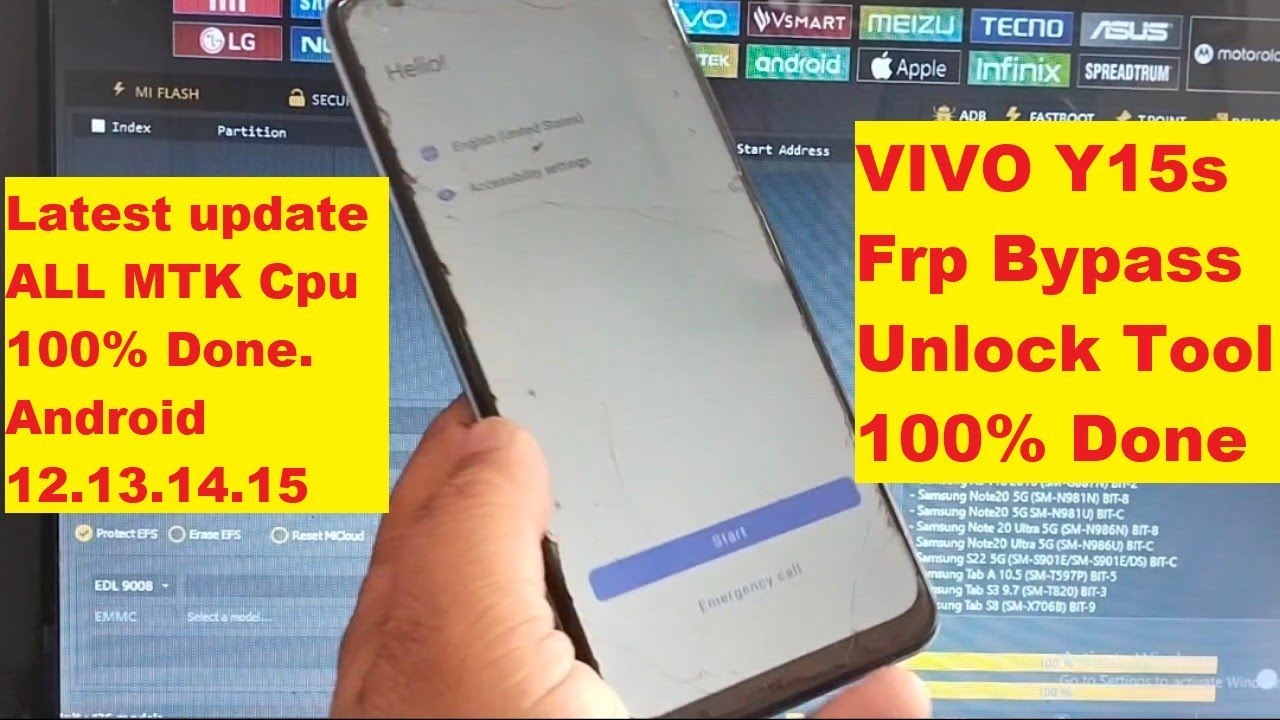
Vivo Y15s Frp Bypass Unlock Tool 100% Done.

Unlocking the FRP on Vivo Y15s: A Step-by-Step Guide
Introduction
Hello friends! Today, I’m excited to share a guide on how to unlock the FRP (Factory Reset Protection) on the Vivo Y15s handset. If you’re facing any issues with FRP or simply want to know how to unlock it, you’re in the right place. Before we dive in, don’t forget to subscribe to my channel and give this video a thumbs up if you find it helpful!
Understanding the FRP Lock
FRP is a security feature introduced by Google to protect user data in case of theft. When you perform a factory reset on your Android device, you are prompted to enter the Google account information that was previously used on the device. This can be quite frustrating if you forget your login details or have recently purchased a second-hand device.
What is Vivo Y15s?
The Vivo Y15s is a popular smartphone model known for its impressive features and affordability. However, like many Android devices, it comes with FRP enabled, which can pose challenges for users trying to reset or set up their devices.
Requirement for Unlocking FRP
Before we get into the steps to remove the FRP lock, let’s gather everything you need:
- MTK USB Drivers: Install the MTK USB drivers on your system.
- Vivo Qualcomm MTK Drivers: Similarly, the Vivo Qualcomm MTK drivers need to be installed. You can download them from the official website.
- Unlock Tool: Make sure to download and install the latest version of the Unlock Tool, specifically the June update for 2025.
Step-by-Step Guide to Unlock FRP
Now let’s begin the process of unlocking the FRP on your Vivo Y15s.
Step 1: Installation
- First, ensure that you have installed both the MTK and Qualcomm drivers on your computer. If not, visit their official websites, download the required drivers, and install them.
Step 2: Open the Unlock Tool
- After the installations, open the Unlock Tool on your computer.
Step 3: Searching for Vivo Y15s
- In the Unlock Tool, look for the Vivo section, and click on it.
- Here, you need to search for Y15s. This step is crucial as selecting the correct model will allow you to proceed correctly.
Step 4: Selecting the Device
- You should see Vivo Y15s in the search results. Click on it and make sure to tick the checkbox next to it.
Step 5: Loading the Firmware
- After selecting the device, look for the option named P Loader Auth. Click on it to continue.
- Then, navigate and click on Vivo Custom D. You should see a number related to your device like PD 2140F and its corresponding MTK version, which is MT6765.
Step 6: Selecting Security Settings
- Choose Vivo MT67 Security 2025 MTK and click on it to proceed further.
Step 7: Erasing FRP
- Finally, you will see the option to eraze FRP under the P Loader section. Before you click this option, ensure that your phone is connected to the computer via USB.
Step 8: Error Handling
- If you encounter an error during this process, please note that it’s a common occurrence. Ensure that the drivers are correctly installed and that your device is connected properly. You can try rebooting your computer and reconnecting the device.
Conclusion
Unlocking the FRP on your Vivo Y15s may seem daunting, but with the right tools and guidance, you can navigate this process smoothly. Always remember that keeping your software updated and drivers installed is crucial to avoid issues. If you found this guide useful, don’t forget to like this video and subscribe for more tech tutorials!
Final Thoughts
If you encounter any difficulties while following this guide or have specific questions regarding other issues, feel free to drop your comments below. I’m here to help you! Thank you for watching and happy unlocking!
This structured approach not only makes it easier to follow but also helps with search engine optimization. It provides clear headings and segments that guide the reader through the process comprehensively.
#Vivo #Y15s #Frp #Bypass #Unlock #Tool