How to bypass Vivo Y21T FRP without a PC with the latest security features
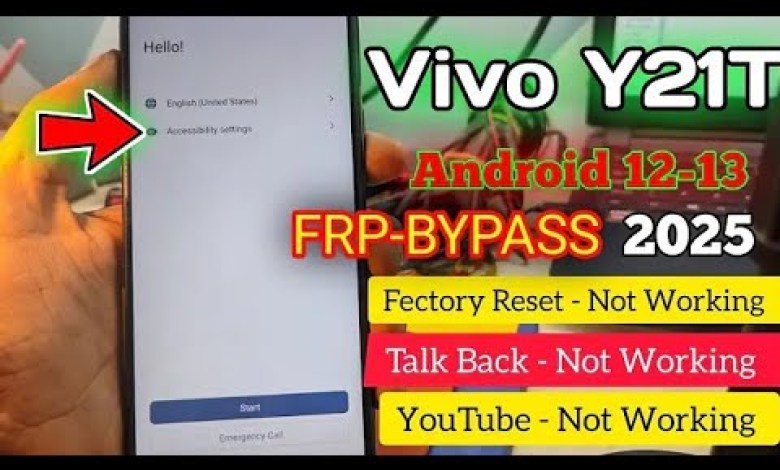
Vivo y21t frp bypass without pc/Latest security unlock/New method 2025/GSM DEVIL/100%working method
Unlocking FRP Lock on VIVO 21T Without a PC – Step by Step Guide
Hey guys, hope you’re all doing well. Today, I have a VIVO 21T phone with a Factory Reset Protection (FRP) lock on it. I will be showing you whether this phone has an FRP lock or not. So, first of all, you need to click on the dot com link here. From here, you can see that it is asking for the requirement of an old password. Once I click on Use My Google Account, you will see an interface like this in front of you. From here, it will ask for the requirement of the old Gmail account. You will either need the old password to bypass the FRP or the requirement of an old Gmail account. You will need to fill in the details of the old Gmail account here for the phone to proceed.
Model: VIVO 21T
Today, I will show you how to bypass this FRP on the VIVO 21T without using a PC. To bypass this, you first need to go into the Language option and select Hindi language. Once you’ve started from here, choose your location and accept the Terms and Services. Then, you need to go back, go to the WiFi option, choose a new network, and come back into the Language option. Click on TalkBack and click on the circle on the board for accessibility options. Go into the Accessibility menu, turn it on, and now search for accessibility in the menu. Click on the Accessibility shortcut and give permission. Our accessibility shortcut is now in our Accessibility menu. Click on it and then click on open ू and say OK. You will be redirected to the Sign-in option. From here, you need to go to the Sign-in option and then switch to English.
Bypassing the FRP Lock
Now, to bypass the FRP lock without a PC, you need to follow these steps:
- Click on the Language option and select Hindi.
- Choose your location and accept the Terms and Services.
- Go back and into the WiFi option, choose a new network.
- Return to the Language option and click on TalkBack.
- Click on the circle on the board for accessibility options.
- Go to the Accessibility menu and turn it on.
- Search for Accessibility and click on the Accessibility shortcut.
- Give permission and click on open ू.
- Redirect to the Sign-in option and switch to English.
Follow these steps carefully to bypass the FRP lock on your VIVO 21T without the need for a PC. This process may vary slightly depending on the model of your phone, so make sure to double-check the steps. If you face any issues during the process, feel free to reach out for assistance. Unlocking your FRP lock can be a simple and straightforward process if done correctly. Thank you for watching, and I hope this guide helps you unlock your phone!
#Vivo #y21t #frp #bypass #pcLatest #security