Unlocking Secrets: Discover the Samsung A165F FRP Bypass Tool!
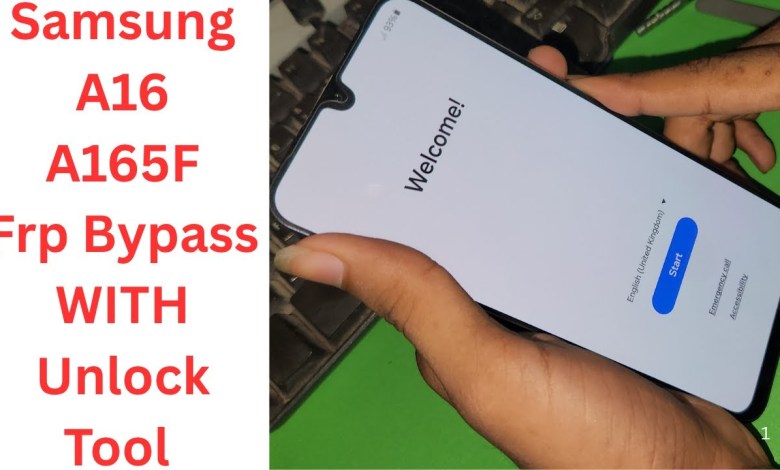
Samsung A165F Frp Bypass Unlock Tool | samsung a165f frp bypass | samsung a16 5g frp bypass
How to Bypass FRP Lock on Samsung A16
Introduction
In this article, we’re going to guide you through the process of bypassing the FRP (Factory Reset Protection) lock on the Samsung A16. This lock can be a headache if you forget your Google account credentials after a factory reset. However, with the right tools and steps, you can regain access to your device. Let’s dive right in!
Step 1: Preparing Your Device
Before we start, it’s crucial to prepare your Samsung A16 effectively. Here’s how:
1. Open the Back Cover
- Begin by gently removing the back cover of the Samsung A16. You won’t need any special tools or a plastic prying tool; your fingernails will do the job.
2. Disconnect the Battery
- Once you’ve accessed the back, locate the battery connection. Carefully disconnect the battery from the motherboard to prevent any short circuits during the unlocking process.
3. Locate the Test Points
- The next step involves finding the test points on the device’s circuit board. On Samsung devices, these are usually located at the side, close to the last connector. This can differ slightly, so refer to the device’s schematic if needed.
Step 2: Using Unlock Tools
Once you’ve prepared your device, the next step is to use an unlocking tool. Here’s how:
1. Choose Your Unlock Tool
- You can find various unlocking tools online, either for rent or purchase. You may contact the sellers via Direct Message (DM) for more information regarding these tools.
2. Select the Appropriate Bit






- When using the unlocking tool, you may need to select a specific bit. Usually, bit 2 or any other bit type suffices.
Step 3: Flashing Custom Firmware
Now that you have your unlock tools set up, you may proceed to flash the custom firmware:
1. Using A1 105 Firmware
- You can use A1 105 firmware to configure the device to A16 settings. Whether you use ‘M’, ‘N’, or ‘F’ options doesn’t matter much; they should work just fine.
- Flash the FRP method using the specified settings.
2. Connecting to the Test Point
- At this step, ensure that you’ve connected your device to the test point correctly. This is where the unlocking tool will communicate with your Samsung A16.
Step 4: Completing the FRP Bypass
Now comes the crucial part—bypassing the FRP.
1. Monitoring the Status
- Keep an eye on the flashing process; this method should only work with specific tools like the ALN tool. If you have alternate tools, this method may not yield results.
2. Check Binary Version
- Regardless of whether your binary version is 2, 1, or 3, you shouldn’t encounter any issues. A secondary binary version may also work just as well.
3. Powering Up the Device
- Once the FRP bypass process is complete, reconnect the battery and power on your Samsung A16.
Step 5: Confirming Unlock Success
After powering on your device, it’s important to confirm that the FRP lock has indeed been bypassed successfully.
1. Look for Accessibility Features
- Upon booting, if the accessibility features appear, it indicates that the FRP lock has been removed. This feature is a good indicator that you can now set up your phone with a new Google account.
2. Troubleshooting Tips
- If you do not see accessibility features, it may indicate that the FRP lock is still present. In that case, you’ll need to repeat the procedure or consult further resources.
Conclusion
Congratulations! You have successfully bypassed the FRP lock on your Samsung A16. This method is straightforward but requires careful handling of your device to avoid any damages.
Final Thoughts
If you found this article helpful, please consider liking our post and subscribing to our channel for more informative content. If you have any more questions or issues, feel free to skip through the comments or reach out for help. Enjoy your newly accessible Samsung A16!
Disclaimer: This guide is intended for educational purposes only. Bypassing device locks without authorization may violate terms of service or local laws. Always ensure you have the right to access the device in question.
#Samsung #A165F #Frp #Bypass #Unlock #Tool #samsung #a165f